
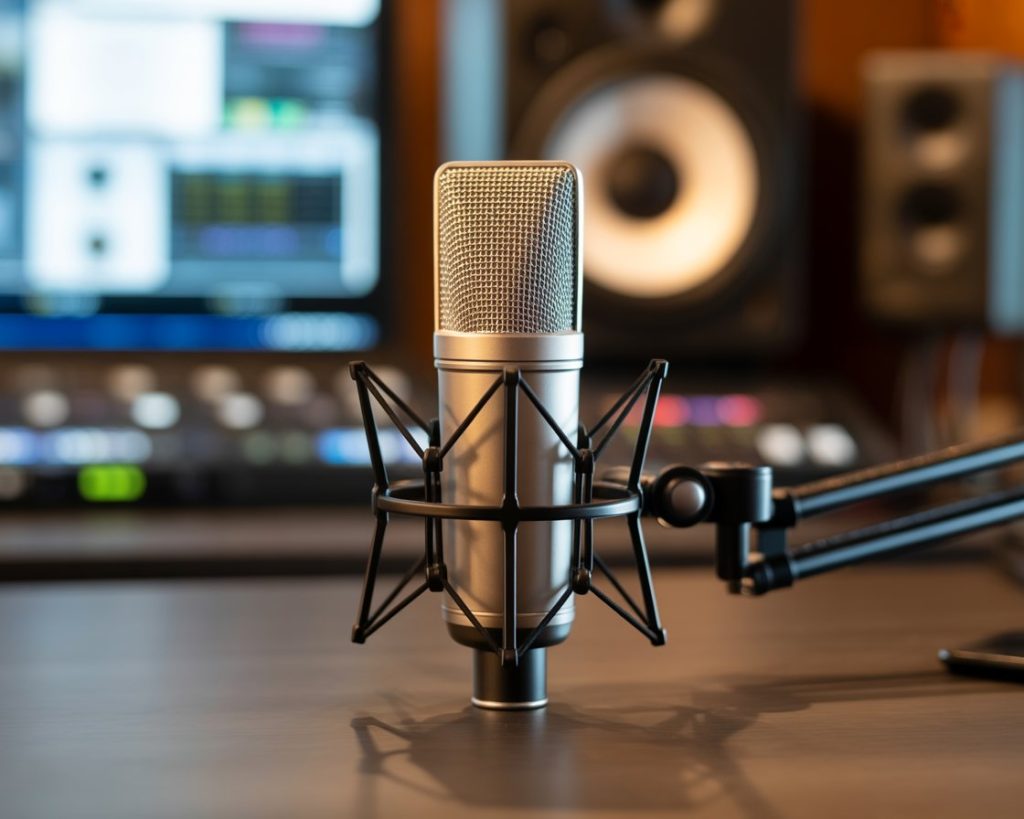
Choosing the right wireless mic can completely change how your voice sounds in recordings, presentations, or live performances. Whether you’re creating content, speaking at events, or performing on stage, understanding wireless microphone technology helps you make smart decisions that actually improve your audio quality. That said, let’s dive into what matters: seeking reliable means of wireless audio transmission.
Why Wireless Microphones Matter Today
Modern content creation demands mobility and flexibility that traditional wired setups simply cannot provide. A quality wireless mic frees you from cables while maintaining professional sound standards. Moreover, wireless technology has advanced dramatically in recent years, offering crystal-clear audio without the limitations of physical connections.
Professional speakers, podcasters, musicians, and video creators increasingly rely on wireless microphone systems for their versatility. Additionally, these systems eliminate tripping hazards and allow natural movement during presentations or performances. Consequently, your audience focuses on your message rather than watching you navigate tangled cables.
Understanding Wireless Mic Technology
How Wireless Systems Actually Work
Wireless microphone systems transmit audio signals through radio frequencies instead of physical cables. The microphone converts sound into electrical signals, which then get transmitted wirelessly to a receiver connected to your recording device or sound system. This process happens almost instantaneously, creating seamless audio delivery.
Digital wireless mic systems use advanced encoding to minimize interference and maximize sound quality. Furthermore, modern systems operate on various frequency bands, including UHF and 2.4 GHz ranges. Each frequency option offers different advantages depending on your specific environment and usage needs.
Key Components You Need to Know
Every wireless microphone system includes three essential components. First, the microphone itself captures your voice or instrument. Second, the transmitter sends the audio signal wirelessly through radio waves. Third, the receiver picks up transmitted signals and converts them back into usable audio for your equipment.
Understanding these components helps you troubleshoot problems and optimize performance. Additionally, knowing how each part functions allows you to make educated upgrade decisions as your audio needs evolve over time.
Types of Wireless Microphones Available
Handheld Wireless Mics
Handheld wireless microphones look like traditional mics but contain built-in transmitters. They work perfectly for presentations, performances, and interviews where you need mobility without sacrificing control. Moreover, their familiar design makes them comfortable for most users immediately.
These systems typically offer excellent sound quality and durability. However, they require battery changes and careful handling to maintain optimal performance throughout extended use periods.
Lavalier Wireless Systems
Lavalier or lapel wireless mic systems clip onto clothing, providing hands-free operation that’s ideal for video production, theater, and broadcasting. These tiny microphones deliver surprisingly clear audio while remaining nearly invisible on camera.
The main advantage? Complete freedom of movement with both hands available for gestures, demonstrations, or operating equipment. Nevertheless, proper placement becomes crucial for achieving consistent sound quality across different clothing types and body positions.
Headset Wireless Microphones
Headset systems combine the hands-free benefits of lavaliers with the consistent positioning of handheld mics. Fitness instructors, performers, and presenters who need reliable audio during active movement prefer these designs.
The boom arm keeps the microphone at a fixed distance from your mouth, ensuring consistent volume levels regardless of head movement. Consequently, sound engineers appreciate the predictable audio quality these systems provide.
Critical Features to Consider
Frequency Range and Interference
Operating frequency determines how your wireless mic performs in different environments. UHF systems generally provide more reliable connections with less interference from WiFi networks and other wireless devices. Additionally, systems offering frequency diversity allow you to switch channels if interference occurs.
Check local regulations regarding frequency usage, as some bands require licenses in certain countries. Furthermore, venues with multiple wireless systems need careful frequency coordination to prevent signal conflicts.
Battery Life and Power Management
Nothing ruins a presentation or performance faster than dead batteries mid-session. Quality wireless microphone systems offer 6-12 hours of continuous operation on fresh batteries. Moreover, many modern units include low-battery indicators that warn you before power runs out completely.
Consider systems using rechargeable batteries for cost savings and environmental benefits. However, always keep backup batteries available regardless of your primary power source.
Range and Signal Reliability
Operating range varies dramatically between different wireless mic models. Budget systems might work reliably within 30-50 feet, while professional units maintain clear signals at 300 feet or more. Your venue size and movement requirements determine the range you actually need.
Metal structures, walls, and electronic equipment can interfere with wireless signals. Therefore, testing your system in the actual environment before important events prevents unexpected audio dropouts.
Practical Setup and Usage Tips
Proper Mic Positioning Techniques
Microphone placement significantly impacts sound quality regardless of wireless technology. Position handheld mics 2-6 inches from your mouth at a slight angle to reduce plosive sounds. Similarly, lavalier mics work best centered on your chest, about 6-8 inches below your chin.
Avoid placing wireless transmitters against your skin, as body heat can affect performance. Instead, secure transmitters to belts or attach them to clothing with proper clips designed for this purpose.
Minimizing Interference Issues
WiFi routers, cell phones, and other wireless devices can interfere with your wireless mic system. Turn off unnecessary wireless equipment in your recording or performance space when possible. Additionally, perform frequency scans before important events to identify and avoid crowded channels.
Keep transmitters and receivers away from metal objects that might block or reflect radio signals. Furthermore, position receivers at least three feet apart when using multiple wireless systems simultaneously.
Common Mistakes to Avoid
Many users expect wireless microphones to work perfectly without any setup or maintenance. However, these systems require regular battery checks, frequency adjustments, and occasional firmware updates to maintain peak performance.
Another common error involves purchasing the cheapest available option without considering specific needs. While budget wireless mic systems work fine for basic applications, professional situations demand more reliable equipment. Consequently, investing in quality systems appropriate for your actual requirements prevents frustration and ensures consistent results.
Maintenance for Long-Term Performance
Clean your microphone capsule regularly using appropriate cleaning tools and solutions. Moisture, makeup, and dust accumulation degrade sound quality over time. Moreover, store wireless systems in protective cases when not in use to prevent physical damage.
Check connections and antennas periodically for wear or damage. Additionally, update firmware when manufacturers release improvements, as these updates often enhance performance and fix compatibility issues.
Conclusion
Understanding wireless mic technology empowers you to choose systems that genuinely meet your specific audio needs. From frequency selection to proper positioning, each detail contributes to the overall sound quality your audience experiences. By considering your environment, usage patterns, and budget constraints, you can select wireless microphone solutions that deliver professional results reliably. Remember that even the best equipment requires proper setup, maintenance, and technique to achieve its full potential. Invest time learning your system thoroughly, and you’ll enjoy years of excellent wireless audio performance.
Frequently Asked Questions
Q1: How much should I spend on a wireless mic for content creation?
Quality wireless microphones start around $200-400 for content creation. Professional systems range from $600-2000+. Beginners can start with budget options, while serious creators benefit from mid-range systems offering better reliability and sound quality.
Q2: Do wireless mics work outdoors or only indoors?
Wireless mics work in both environments, though outdoor use requires more robust systems. Use windscreens to reduce wind noise and test your setup beforehand. Professional outdoor events typically need higher-end systems with extended range.
Q3: Can I use multiple wireless mics simultaneously?
Yes, with careful frequency coordination. Quality systems allow multiple units on different frequencies simultaneously. Check manufacturer specifications for maximum channels. Always perform frequency scans to avoid interference between systems.
Q4: How often do I need to replace wireless mic batteries?
Alkaline batteries typically last 6-8 hours in most wireless mics. Replace or recharge batteries before every important use regardless of remaining charge. Always keep backup batteries available to prevent unexpected power failures.
Q5: Will my wireless mic interfere with WiFi or Bluetooth devices?
UHF wireless microphones rarely interfere with WiFi or Bluetooth. However, 2.4 GHz wireless mics might experience WiFi interference. Choose UHF systems for environments with heavy wireless traffic and perform frequency scans before important events